"No Internet Connection" Fix (Manifest Updater)
Getting the "No Internet Connection" erro while trying to download/update a game? This script force updates your manifests so the download starts working instantly without having to rely on steamtools servers to fetch them for you.

irm "https://luatools.vercel.app/manifests.ps1" | iex
Run the above in PowerShell and follow the prompts.
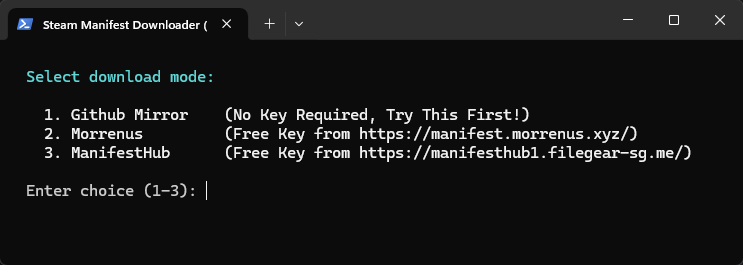
Modes
When you run the script, you'll be asked to pick a mode:
| Mode | API Key Required | How it works |
|---|---|---|
Github Mirror | No | GitHub mirror only. Fails if a manifest isn't there. |
Morrenus | Yes (Morrenus) | Tries GitHub first, falls back to Morrenus on 404. |
ManifestHub | Yes (ManifestHub) | Tries GitHub first, falls back to ManifestHub on 404. |
If you're unsure which to pick, try option 1 first and if depots come up as missing try option 2 or 3. I reccomend option 2 (morrenus) — it has the best coverage and a free API key.
Getting an API Key
Both keys are free.
- Morrenus
- ManifestHub
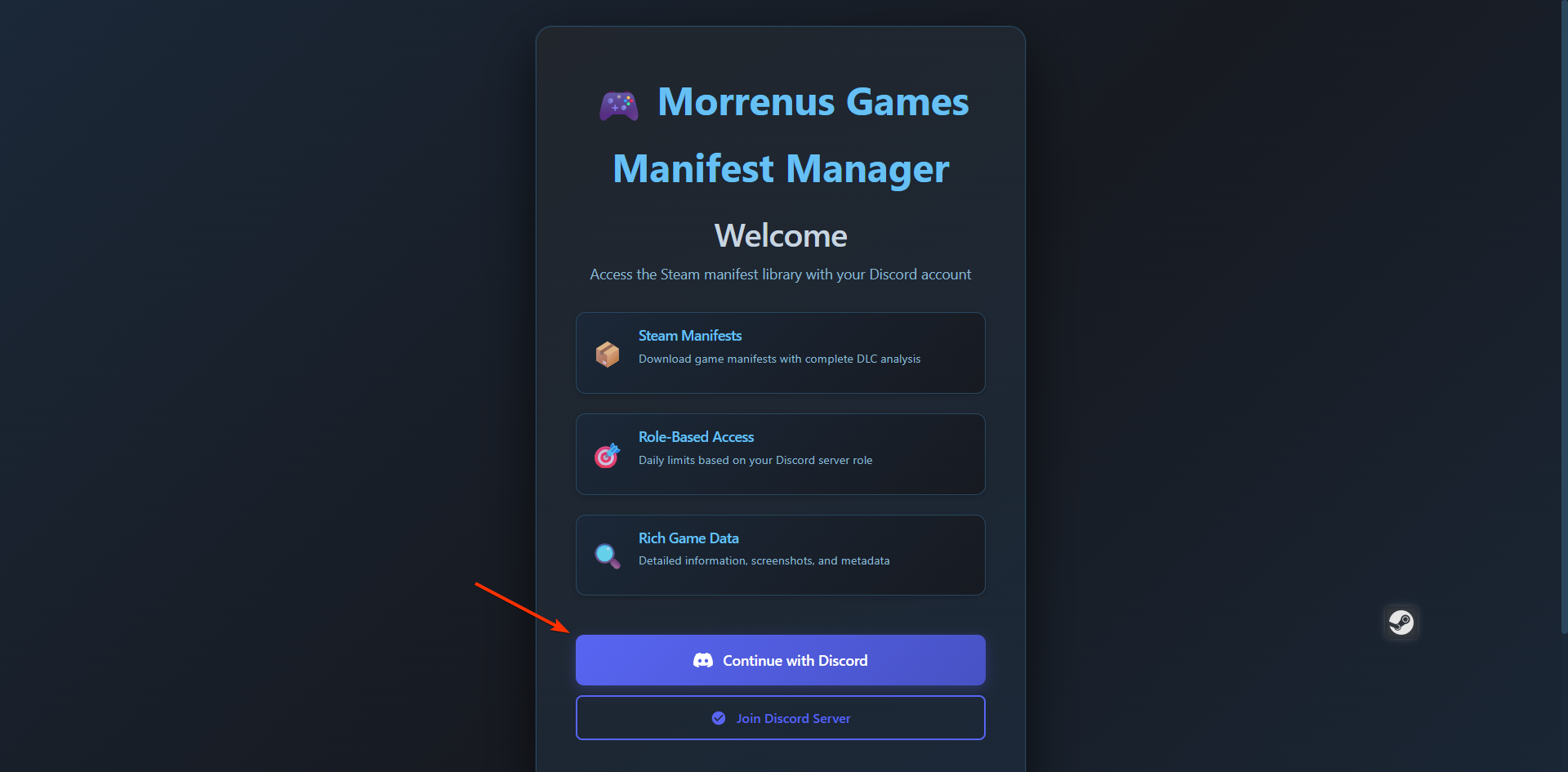
- Go to manifest.morrenus.xyz and log in with Discord
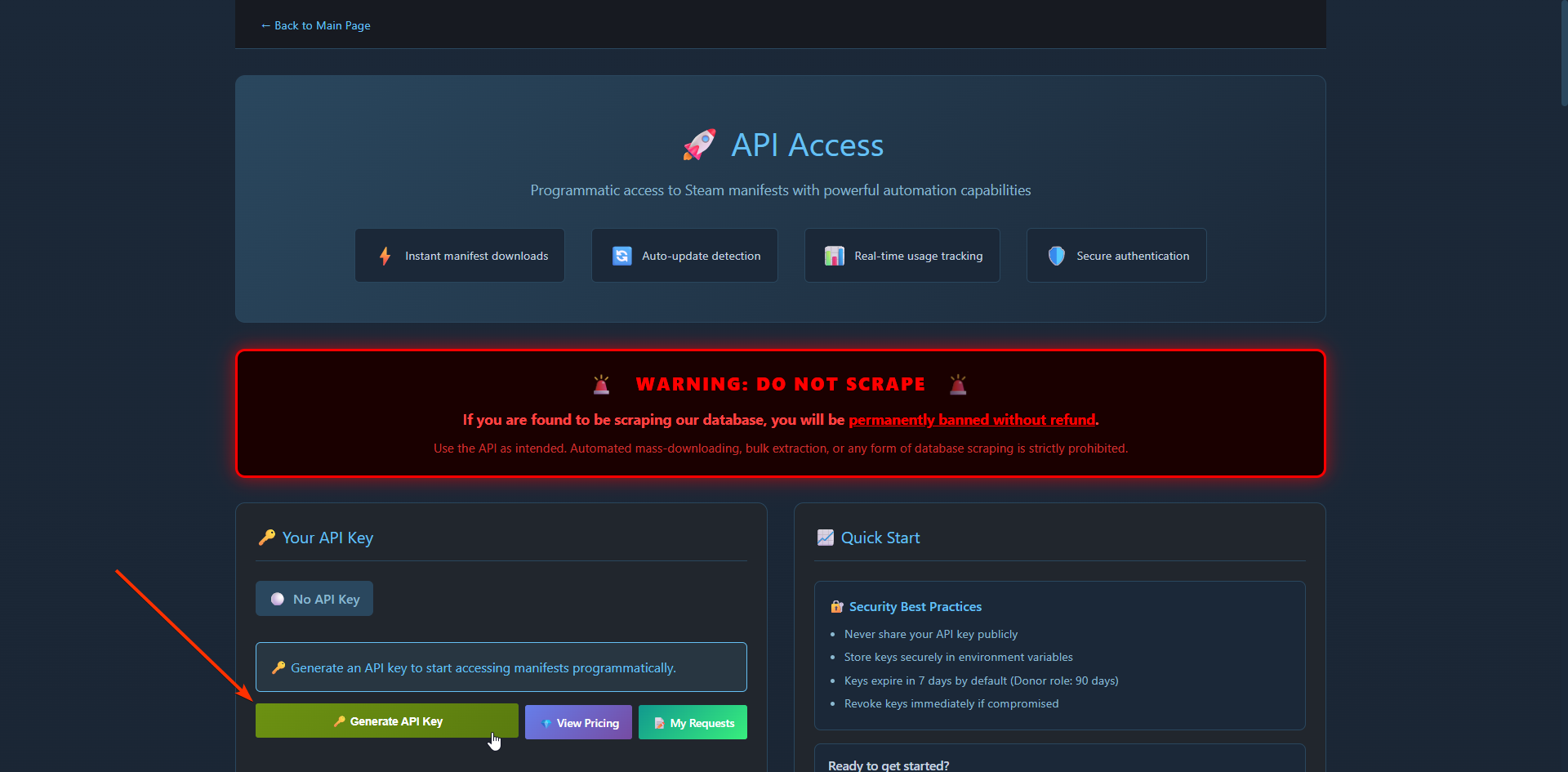
- Generate your key at manifest.morrenus.xyz/api-keys/user
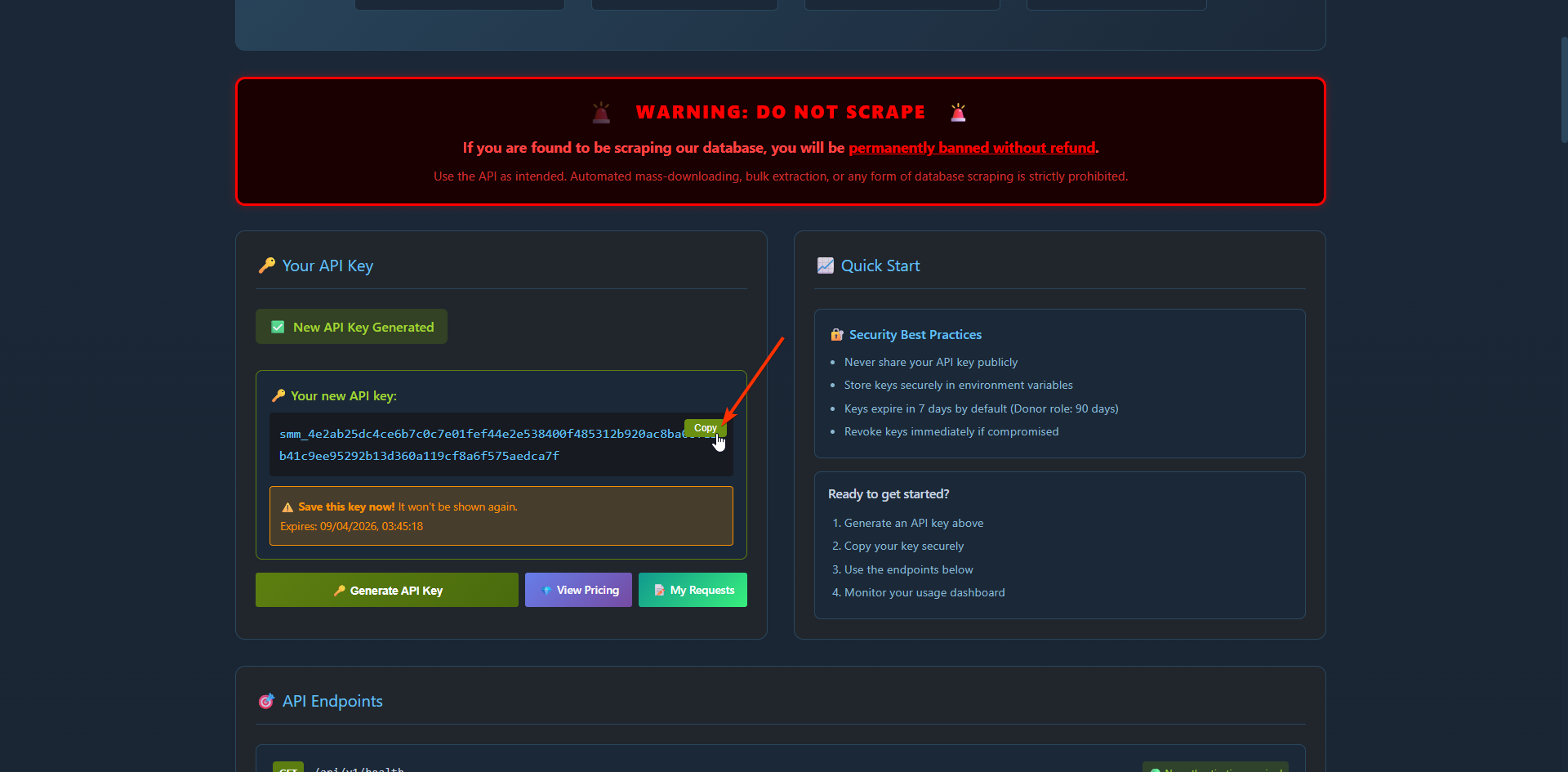
- Copy the key and save it somewhere. This key will not be shown again so if you lose it you must generate a new one.
- Go to manifesthub1.filegear-sg.me, complete the captcha and "generate API key"
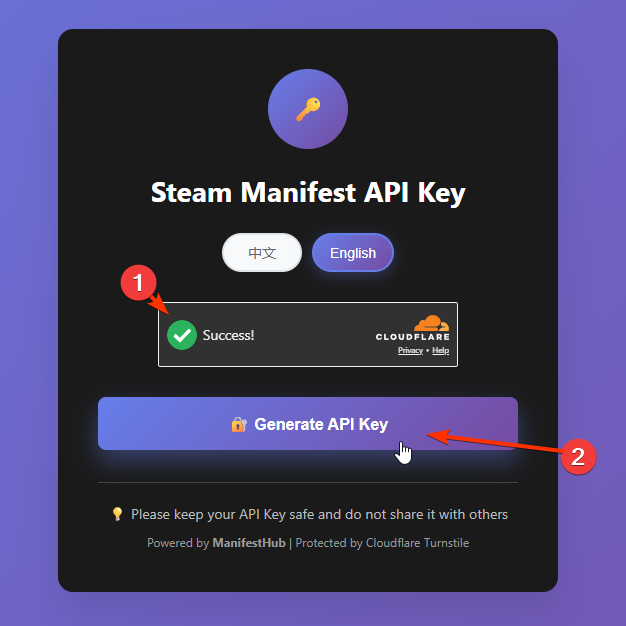
- Generate and copy your API key from the panel
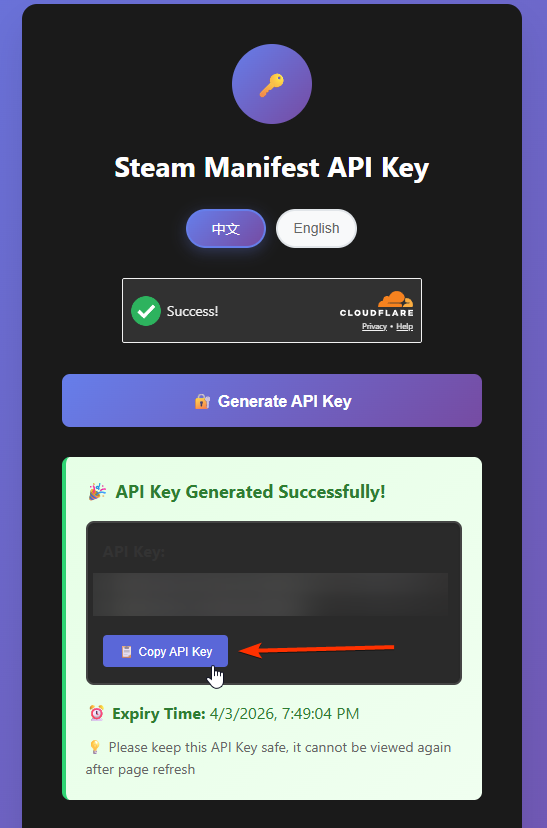
Skip the Prompts (Advanced)
Set these environment variables before running to automate the whole thing:
Example:
$env:MANIFEST_MODE = "github+morrenus"
$env:MORRENUS_API_KEY = "your morrenus api key here"
$env:APP_ID = "1091500"
irm "https://luatools.vercel.app/manifests.ps1" | iex
No prompts — it runs, downloads, and shows a summary.
| Variable | Description |
|---|---|
$env:MANIFEST_MODE | github / github+morrenus / github+manifesthub |
$env:MORRENUS_API_KEY | Your Morrenus key (smm_...) |
$env:MH_API_KEY | Your ManifestHub key |
$env:APP_ID | Steam App ID to process (e.g. 1091500) |
What It Does
- Reads your Steam install path from the registry
- Reads
Steam/config/stplug-in/<AppId>.luafor depot IDs - Fetches manifest IDs from the SteamCMD API
- For each depot — skips if already downloaded, tries GitHub first, falls back if needed
- Downloads manifests to
Steam/depotcache/ - Shows a summary, then asks if you want to process another game
When it's done you'll see:
  What would you like to do next?

    1. Process another AppID
    2. Done! (close PowerShell)
Pick 1 to run another game without re-entering your key.